pipeshub-ai
The open-source context layer for AI agents. PipesHub turns your company's knowledge (Slack, Drive, Jira, GitHub, Microsoft 365 and 40+ connectors) into a permission-aware workspace that agents can search, grep, navigate and cite. MCP, SDKs and built-in agents. Self-hosted.
⭐ 3,854 stars on GitHub · 🍴 620 forks · 📜 License: apache-2.0 · 💻 Language: Python
What is pipeshub-ai?
This is a powerful opensource communication platform — self-host it to keep full control over your team's chat data.
Main components
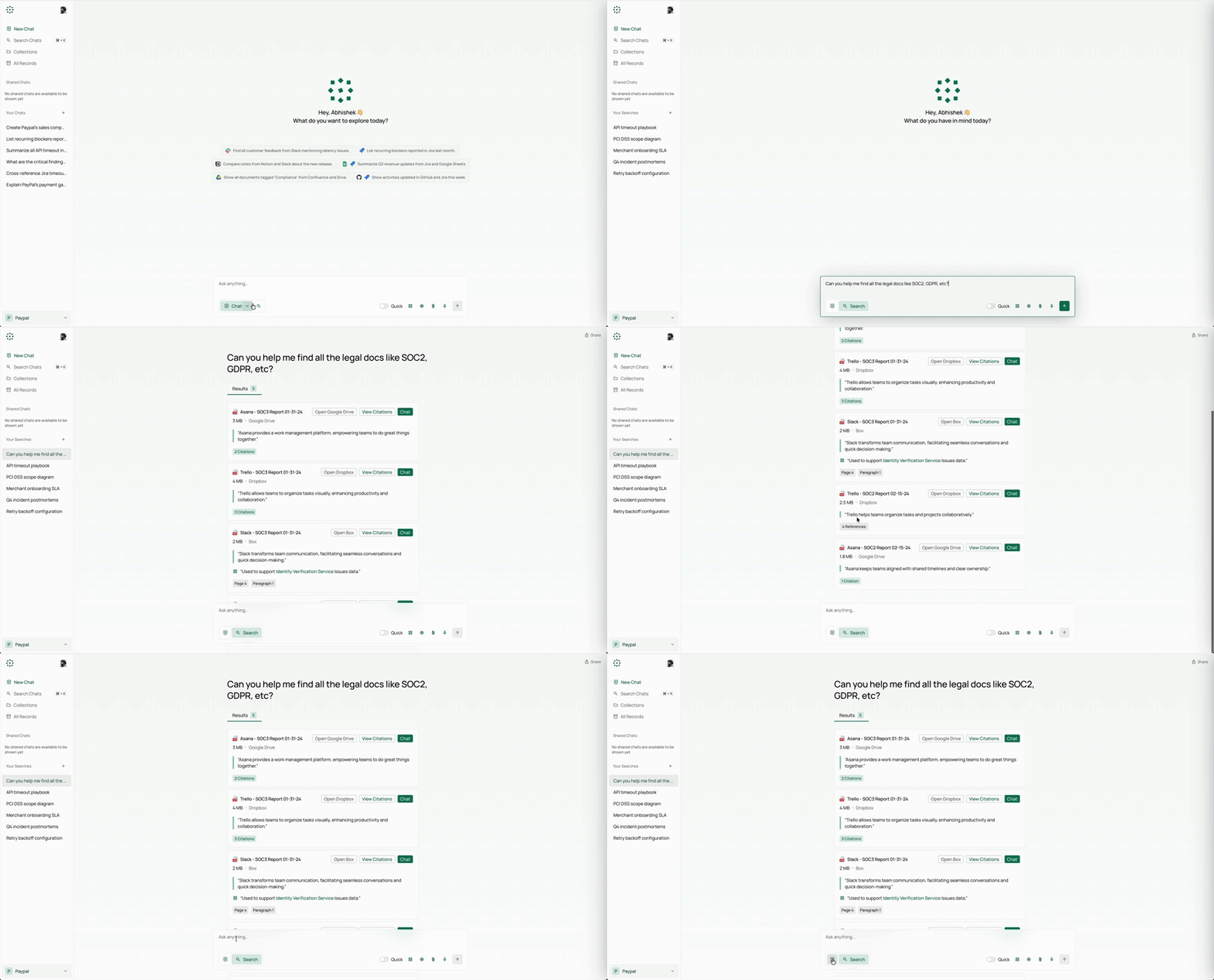
- 📝 Explainable Answers: PipesHub delivers grounded answers with precise block citations to the original documents.
- 🔒 Permission-Aware Search: Enforces source-level access controls so users only see what they're authorized to.
- 🧠 Bring Your Own Model, Fully Self-Hostable: Any LLM provider, deployed in your VPC — data never leaves your infrastructure.
- 🔌 Enterprise Connectors: 50+ connectors with real-time and scheduled indexing out of the box.
- 🕸️ Knowledge Graph Retrieval: Graph-backed retrieval that captures relationships across enterprise data.
- 🎙️ Multimodal Support: Image, diagram, and scanned-file understanding plus voice-based interaction.
- 🔍 Unified Search, Deep Research, and Agents: Search, Q&A, deep research, web search, and AI agents on one context layer.
- 🤖 No-Code Agents and Actions: Build agents visually and execute actions across enterprise tools.
The biggest strength is full control over chat data — something no commercial alternative grants you.
Best for remote teams, tech companies, communities — anyone who wants chat history kept private.
Topics: the project is tagged with popular topics:
- 🏷️
agentic-rag - 🏷️
ai - 🏷️
ai-agents - 🏷️
claude-code - 🏷️
context-engineering - 🏷️
context-layer - 🏷️
deep-research - 🏷️
enterprise-search - 🏷️
glean - 🏷️
graphrag
📸 Screenshots
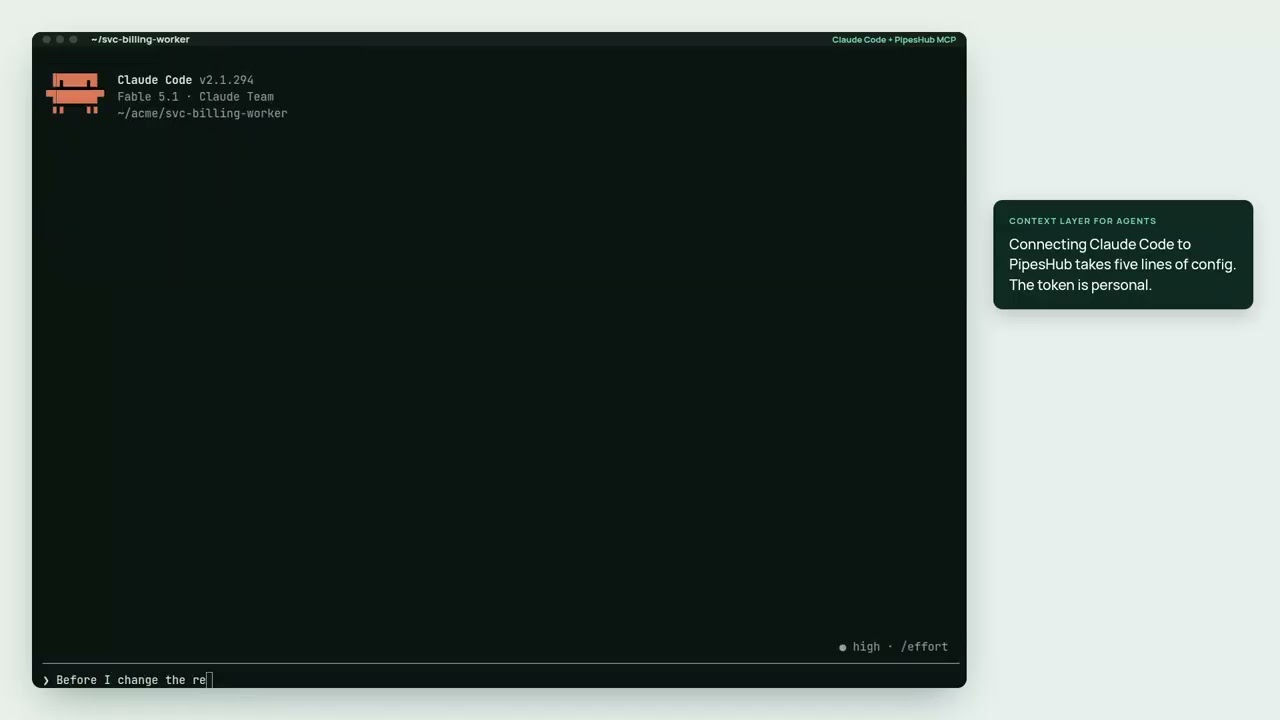
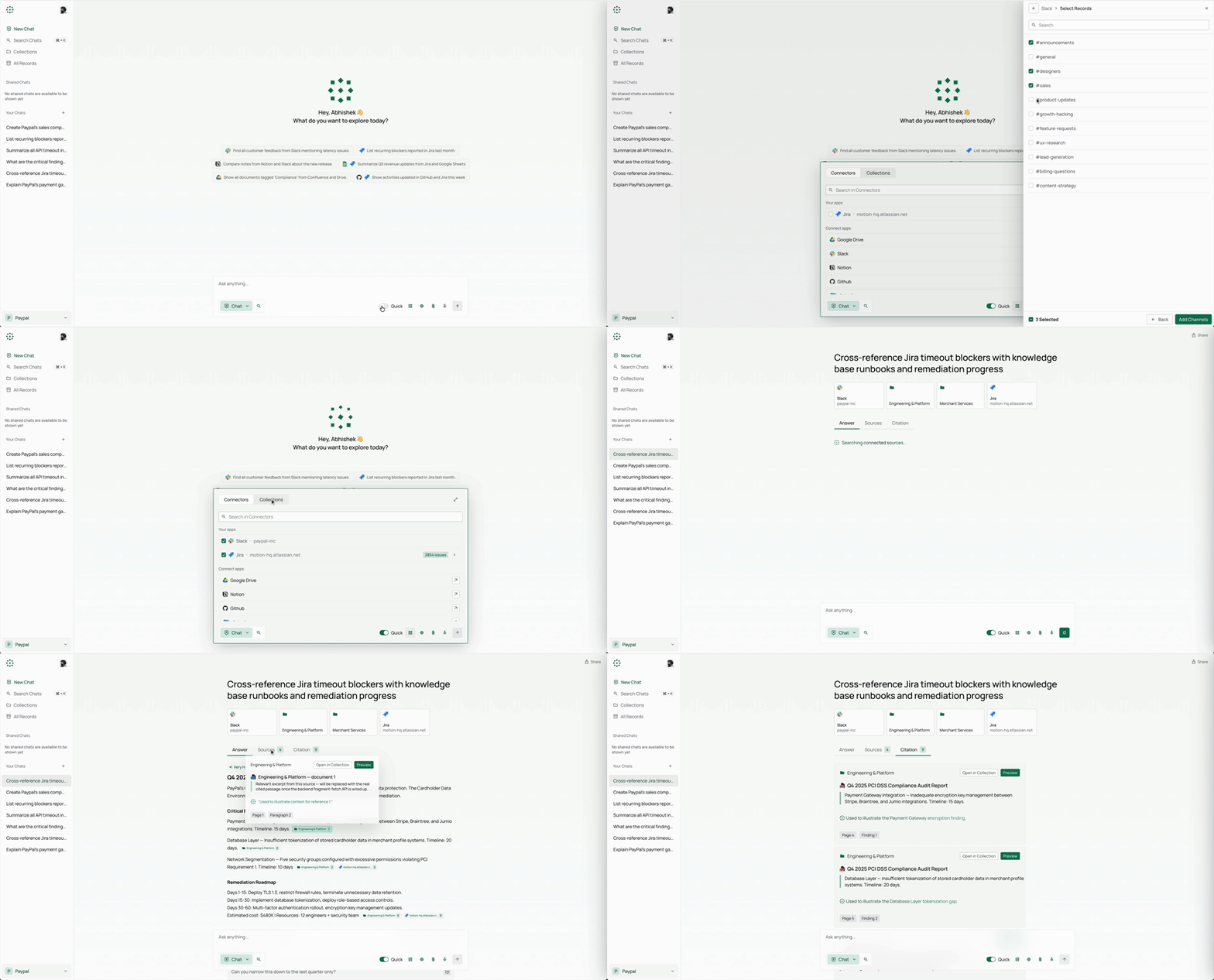
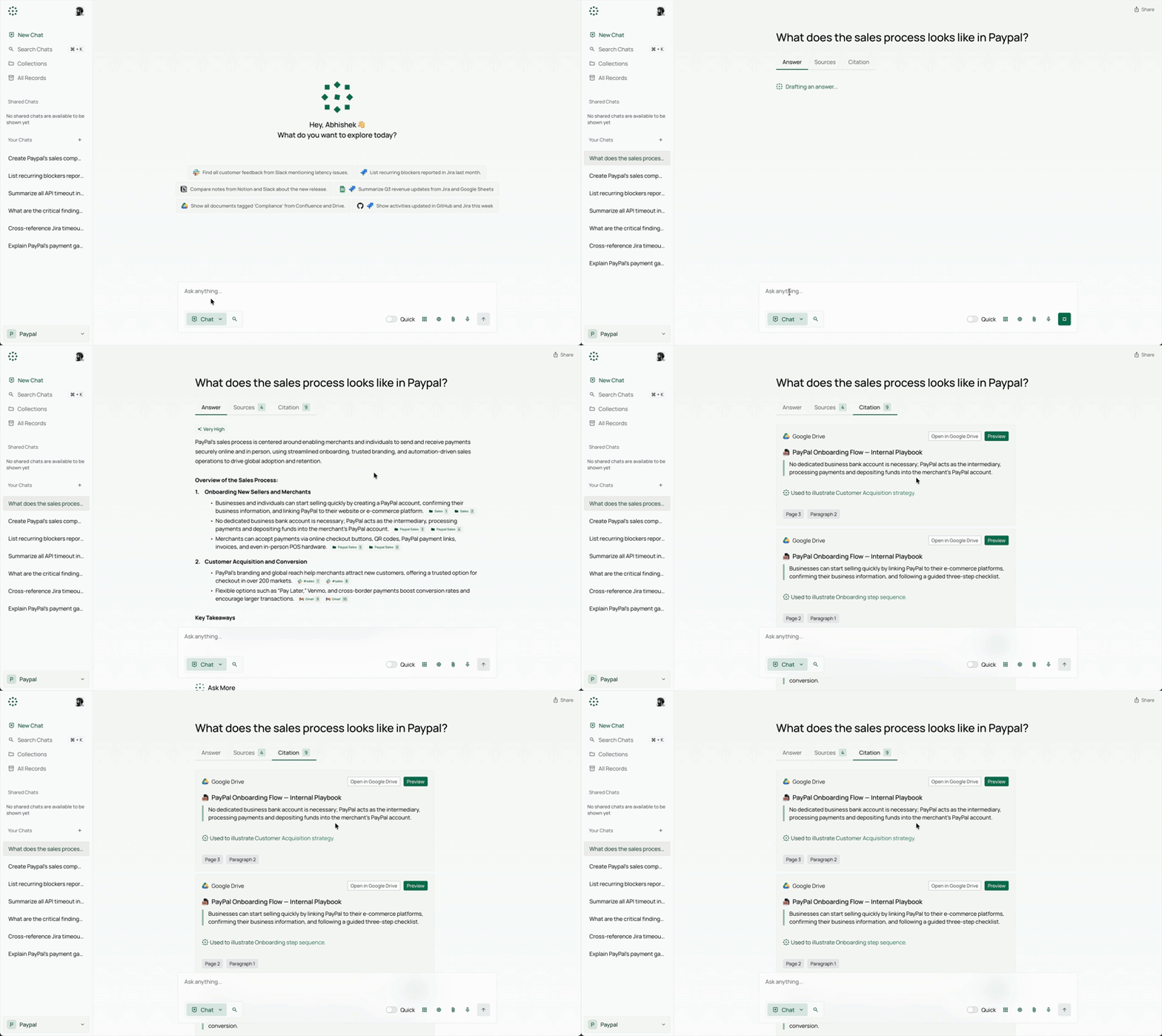
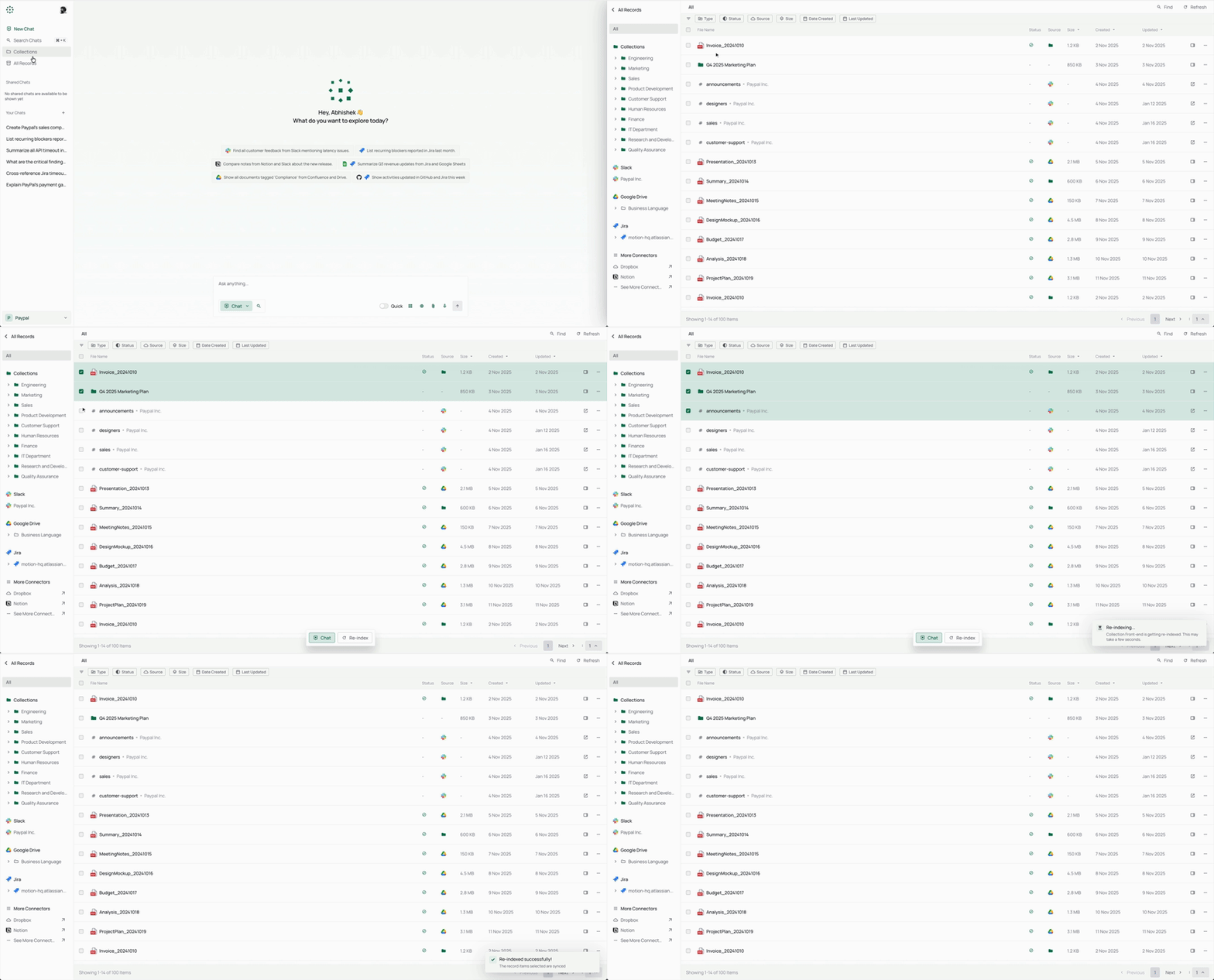
Quick install
See the README for detailed install instructions. Most projects support Docker — if the repo has a Dockerfile, use:
git clone https://github.com/pipeshub-ai/pipeshub-ai.git
cd pipeshub-ai
docker build -t pipeshub-ai .
docker run -d -p 8080:8080 pipeshub-ai
Minimum system requirements
| Component | Recommended |
|---|---|
| RAM | 4096 MB |
| CPU | 2 vCPU |
| Disk | 50 GB SSD |
| OS | Ubuntu 22.04 LTS / Debian 12 |
| Docker | 24.0+ |
⚡ Deploy fast on VSIS
Use the VSIS VPS Standard 4GB RAM / 2 vCPU / 50GB SSD (~150k/tháng) plan from VSIS.NET — high-speed VN-based VPS, 24/7 support, ideal for running pipeshub-ai smoothly.
🎯 Benefits:
- One-command
docker compose up -ddeploy in 2 minutes - Dedicated IPv4, root access, unmetered domestic bandwidth
- Daily snapshot backup
- Free install assistance from the VSIS team
👉 See matching VPS plans at vsis.net
Resources
- 🔗 GitHub: pipeshub-ai/pipeshub-ai
- 🌐 Homepage: https://pipeshub.com
- 📚 Official docs: see README in the repo
- 💬 Community: GitHub Issues + Discussions
Article compiled from GitHub data on 27/10/2026. Star/fork counts may have changed — see live numbers via the GitHub link.