meetily
Privacy first, AI meeting assistant with 4x faster Parakeet/Whisper live transcription, speaker diarization, and Ollama summarization built on Rust. 100% local processing. no cloud required. Meetily (Meetly Ai - https://meetily.ai) is the #1 Self-hosted, Open-source Ai meeting note taker for macOS & Windows. Understand How to write meeting minutes
⭐ 32,122 stars on GitHub · 🍴 3,518 forks · 📜 License: mit · 💻 Language: Rust
What is meetily?
An open-source AI/LLM project — run models locally, no cloud data sharing, fully customizable to your needs.
Main components
- Local First: All processing is done on your machine. No data ever leaves your computer.
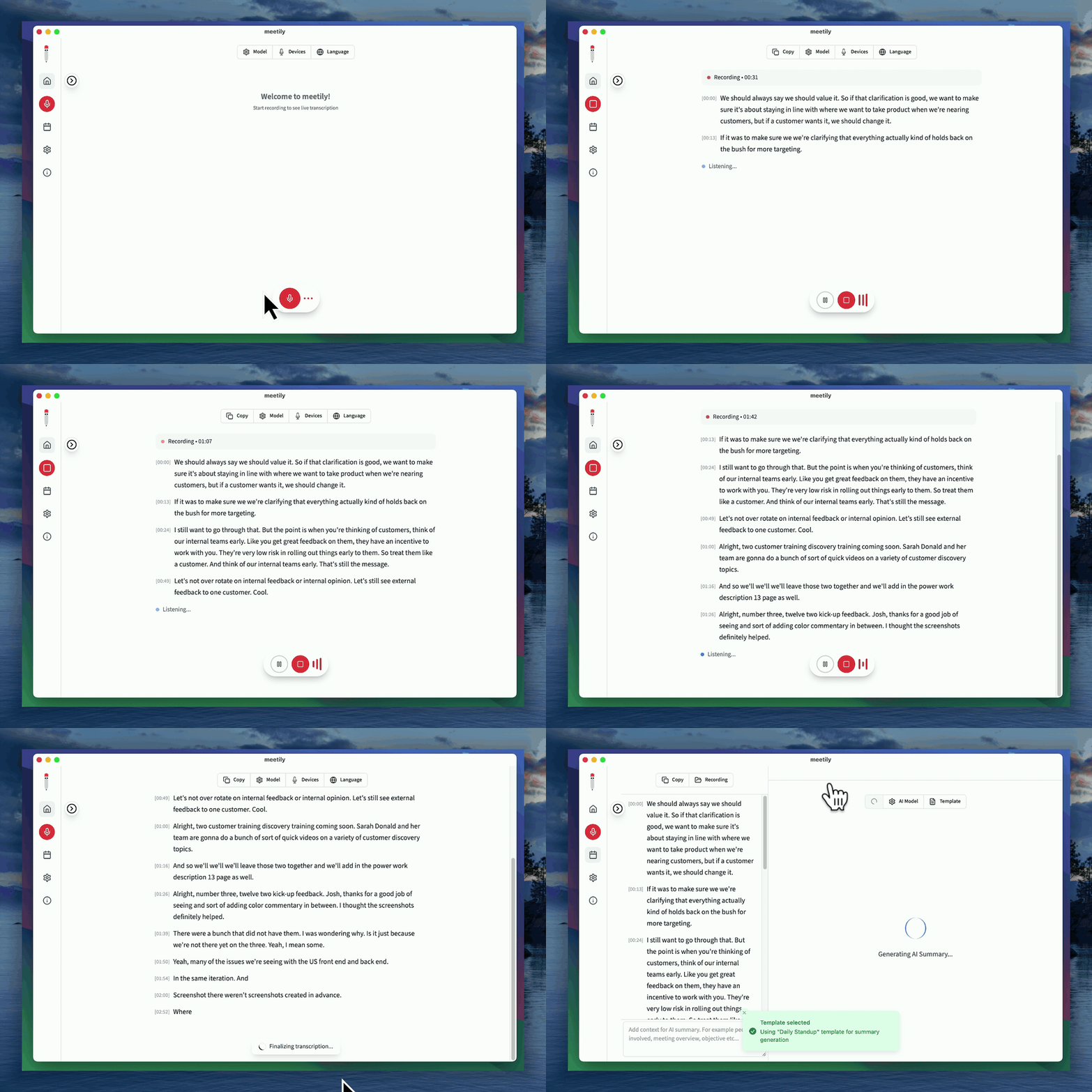
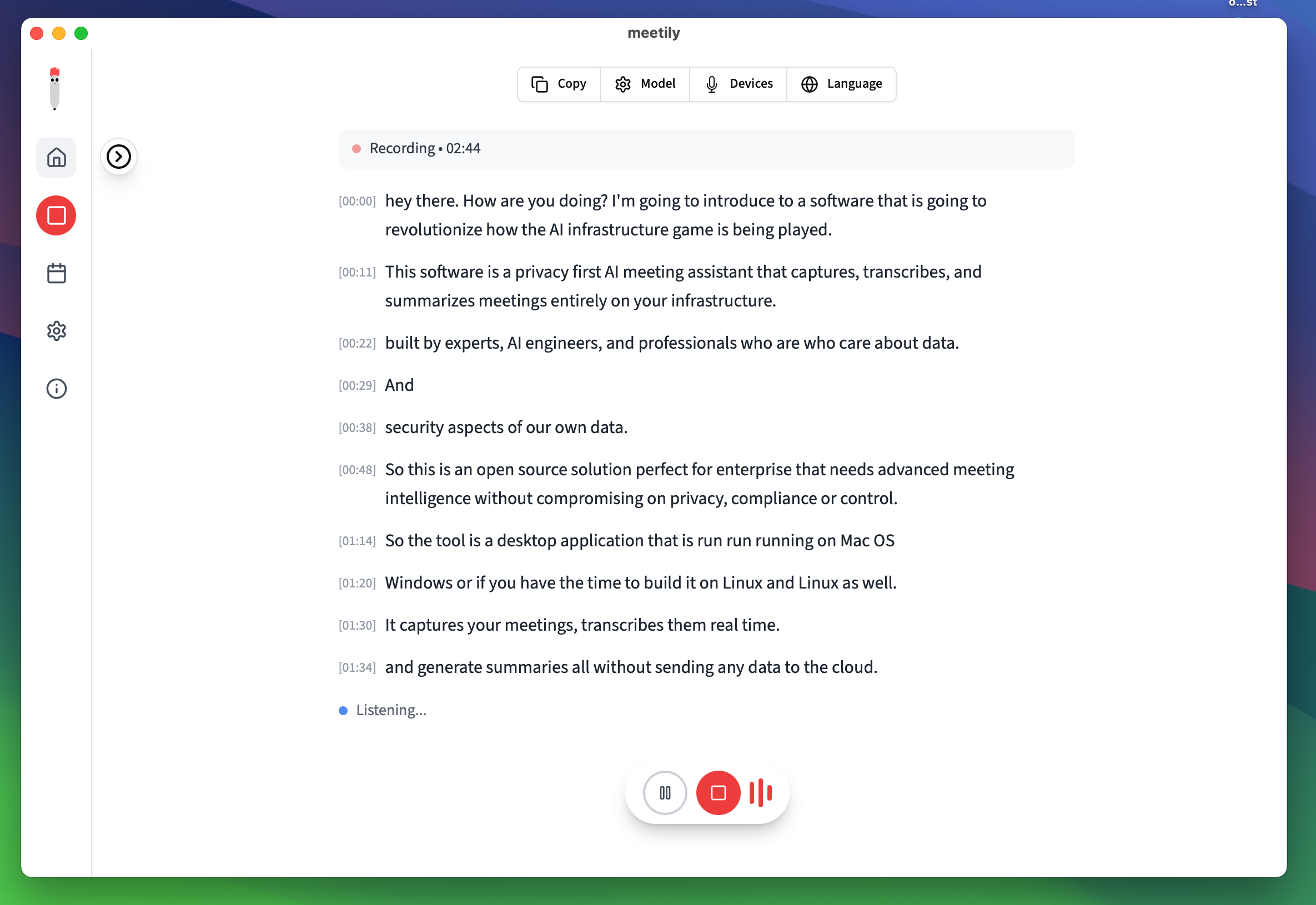
- Real-time Transcription: Get a live transcript of your meeting as it happens.
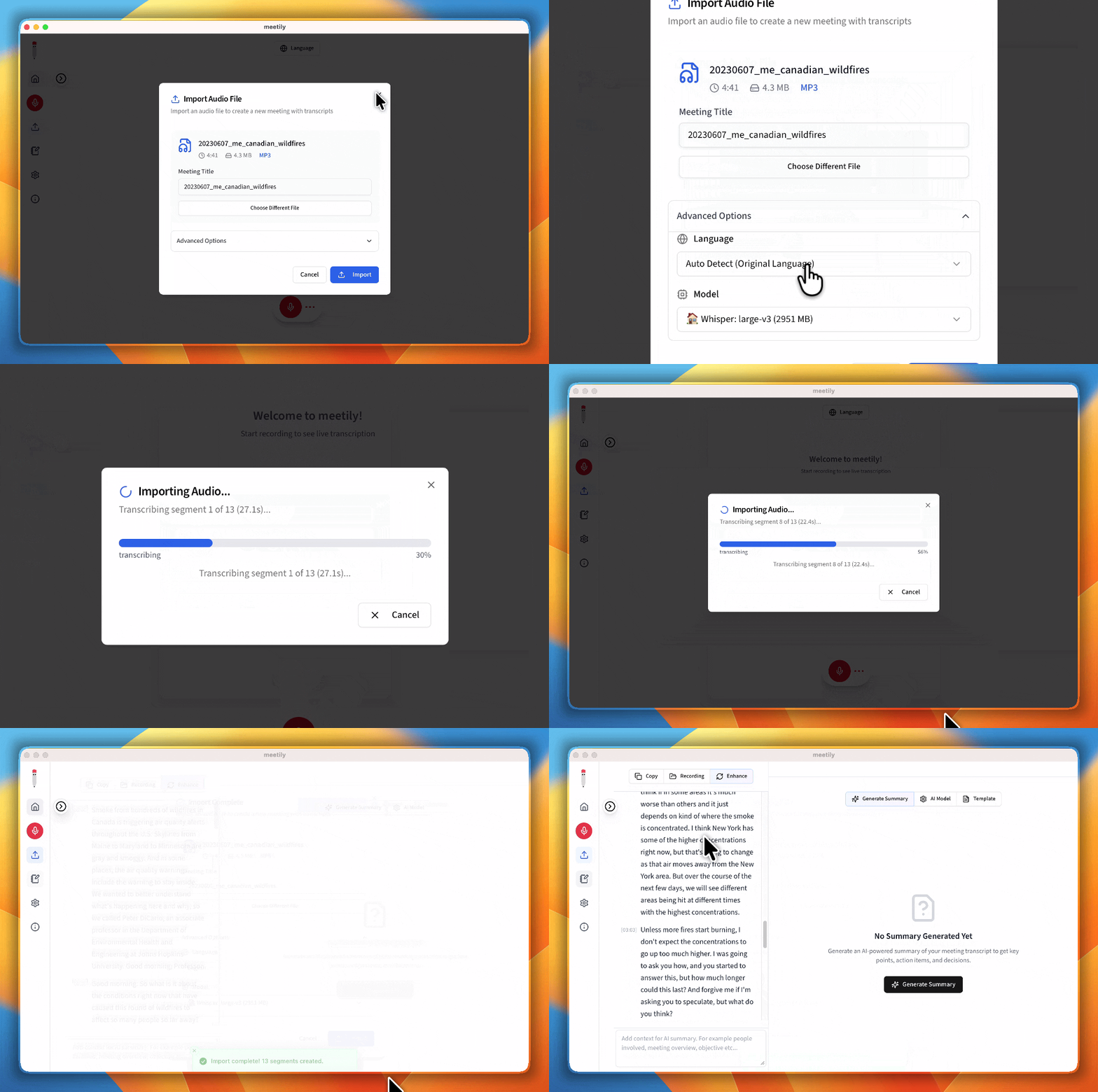
- AI-Powered Summaries: Generate summaries of your meetings using powerful language models.
- Multi-Platform: Works on macOS, Windows, and Linux.
- Open Source: Meetily is open source and free to use.
- Flexible AI Provider Support: Choose from Ollama (local), Claude, Groq, OpenRouter, or use your own OpenAI-compatible endpoint.
The biggest strength is fully local AI inference — zero API cost, no data leak risk, low latency.
Best for AI devs, researchers, anyone building agents/chatbots without OpenAI dependency.
Topics: the project is tagged with popular topics:
- 🏷️
ai - 🏷️
ai-meeting-assistant - 🏷️
llm - 🏷️
local-ai - 🏷️
mac - 🏷️
meeting-minutes - 🏷️
meeting-notes - 🏷️
offline-first - 🏷️
ollama - 🏷️
parakeet
📸 Screenshots
Quick install
See the README for detailed install instructions. Most projects support Docker — if the repo has a Dockerfile, use:
git clone https://github.com/Zackriya-Solutions/meetily.git
cd meetily
docker build -t meetily .
docker run -d -p 8080:8080 meetily
Minimum system requirements
| Component | Recommended |
|---|---|
| RAM | 4096 MB |
| CPU | 2 vCPU |
| Disk | 50 GB SSD |
| OS | Ubuntu 22.04 LTS / Debian 12 |
| Docker | 24.0+ |
⚡ Deploy fast on VSIS
Use the VSIS VPS Standard 4GB RAM / 2 vCPU / 50GB SSD (~150k/tháng) plan from VSIS.NET — high-speed VN-based VPS, 24/7 support, ideal for running meetily smoothly.
🎯 Benefits:
- One-command
docker compose up -ddeploy in 2 minutes - Dedicated IPv4, root access, unmetered domestic bandwidth
- Daily snapshot backup
- Free install assistance from the VSIS team
👉 See matching VPS plans at vsis.net
Resources
- 🔗 GitHub: Zackriya-Solutions/meetily
- 🌐 Homepage: https://meetily.ai
- 📚 Official docs: see README in the repo
- 💬 Community: GitHub Issues + Discussions
Article compiled from GitHub data on 24/10/2026. Star/fork counts may have changed — see live numbers via the GitHub link.