linkding
Self-hosted bookmark manager that is designed be to be minimal, fast, and easy to set up using Docker.
⭐ 10,560 stars on GitHub · 🍴 562 forks · 📜 License: mit · 💻 Language: Python
What is linkding?
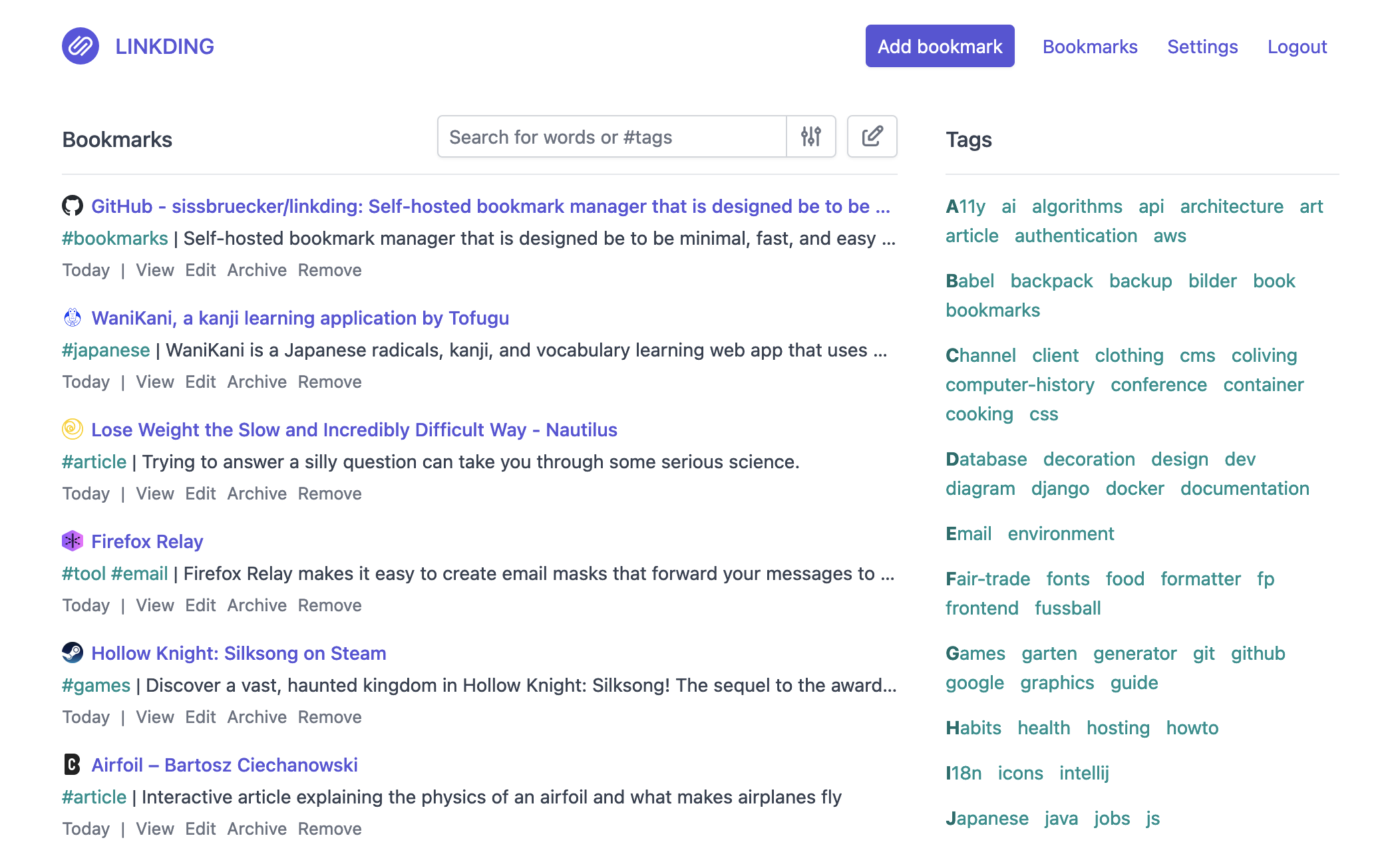
A fast, minimal bookmark manager is exactly what many self-hosters want: save links, tag them, search them, and get out of the way. linkding stands out by keeping the core workflow simple while still covering the practical needs of browser capture, archiving, sharing, and automation.
Main components
- Clean web UI focused on readable bookmark lists and quick navigation
- Tag-based organization with bulk editing for maintaining large collections
- Markdown notes and “read it later” support for adding context to saved links
- Automatic metadata fetching for titles, descriptions, and site icons
- Web page archiving as local HTML files or via the Internet Archive
- Firefox and Chrome extensions, bookmarklet, PWA support, and REST API
- Multi-user sharing, guest access, SSO via OIDC/auth proxies, and an admin panel
Clear use cases
- Build a personal bookmark vault that stays under your control instead of living in a browser vendor’s sync service
- Replace Pocket, Raindrop, or browser bookmarks with a lightweight self-hosted setup
- Maintain a shared team link library for documentation, runbooks, vendor portals, dashboards, and research
- Save articles and technical references with notes, tags, and archived copies before pages disappear
- Integrate bookmarking into scripts, internal tools, or mobile/community apps through the REST API
The biggest strength is its disciplined simplicity — linkding does the bookmark-manager job without turning into a full knowledge base, social reading app, or productivity suite. Compared with commercial tools like Raindrop or Pocket, the value is control: you own the data, can run it in Docker, can archive pages locally, and can integrate it into your existing auth and automation stack.
It is not trying to be flashy, and that is the point. The UI is plain in a good way, the feature set is practical, and the Docker-first deployment makes it approachable for anyone already running a small homelab or VPS. The REST API and SSO support also make it more serious than a “personal toy” app, especially for small teams that want a simple internal link repository.
Best for developers, sysadmins, homelab users, and small teams who want a fast self-hosted bookmark manager with tagging, archiving, browser extensions, and no unnecessary product bloat.
Topics: the project is tagged with popular topics:
- 🏷️
bookmark-manager - 🏷️
bookmark-service - 🏷️
bookmarks - 🏷️
self-hosted
Quick install
The project supports Docker Compose:
git clone https://github.com/sissbruecker/linkding.git
cd linkding
docker compose up -d
Check the README in the repo for required env variables.
Minimum system requirements
| Component | Recommended |
|---|---|
| RAM | 1024 MB |
| CPU | 1 vCPU |
| Disk | 15 GB SSD |
| OS | Ubuntu 22.04 LTS / Debian 12 |
| Docker | 24.0+ |
⚡ Deploy fast on VSIS
Use the VSIS VPS Mini 1GB RAM / 1 vCPU / 15GB SSD (~70k/tháng) plan from VSIS.NET — high-speed VN-based VPS, 24/7 support, ideal for running linkding smoothly.
🎯 Benefits:
- One-command
docker compose up -ddeploy in 2 minutes - Dedicated IPv4, root access, unmetered domestic bandwidth
- Daily snapshot backup
- Free install assistance from the VSIS team
👉 See matching VPS plans at vsis.net
Resources
- 🔗 GitHub: sissbruecker/linkding
- 🌐 Homepage: https://linkding.link/
- 📚 Official docs: see README in the repo
- 💬 Community: GitHub Issues + Discussions
Article compiled from GitHub data on 05/05/2026. Star/fork counts may have changed — see live numbers via the GitHub link.
