ConvertX
💾 Self-hosted online file converter. Supports 1000+ formats ⚙️
⭐ 16,699 stars on GitHub · 🍴 913 forks · 📜 License: agpl-3.0 · 💻 Language: TypeScript
What is ConvertX?
If you regularly bounce files through random web converters, ConvertX gives you the same convenience without handing documents, media, or client assets to a third party. Its differentiator is breadth: it wraps a large set of proven conversion tools behind one self-hosted web UI and supports 1000+ formats.
Main components
- Browser-based file conversion interface for documents, images, video, e-books, data files, 3D assets, and more
- Batch processing so you can convert multiple files in one run
- Converter backend built on tools like FFmpeg, ImageMagick, GraphicsMagick, LibreOffice, Pandoc, Calibre, Inkscape, Assimp, and XeLaTeX
- Account system with support for multiple users
- Password protection for controlling access to the instance
- Docker deployment with persistent storage and simple environment configuration
Clear use cases
- Run a private alternative to online file-conversion sites for internal documents and media
- Convert office files, PDFs, Markdown, HTML, and other document formats using LibreOffice and Pandoc
- Transcode audio/video assets through FFmpeg without exposing source files to public SaaS tools
- Convert image collections between formats, including SVG, HEIF, JPEG XL, raster, and vector workflows
- Give a small team a shared conversion portal for support, marketing, design, or operations tasks
The biggest strength is format coverage through established command-line converters — ConvertX is not trying to reinvent document, media, or image conversion from scratch. It gives you a unified web front end over battle-tested tools like FFmpeg, ImageMagick, LibreOffice, Pandoc, and Calibre, which makes it far more flexible than single-purpose commercial converters. The tradeoff is that output quality and edge-case behavior still depend on the underlying tools, but for a self-hosted utility that handles many file types, that is the right design choice.
Best for sysadmins, homelab users, agencies, schools, and small teams that need a private, general-purpose file conversion service instead of relying on public upload-and-convert websites.
Topics: the project is tagged with popular topics:
- 🏷️
bun - 🏷️
conversion - 🏷️
convert - 🏷️
converter - 🏷️
document-conversion - 🏷️
elysia - 🏷️
file-conversion - 🏷️
file-converter - 🏷️
hacktoberfest - 🏷️
pdf-converter
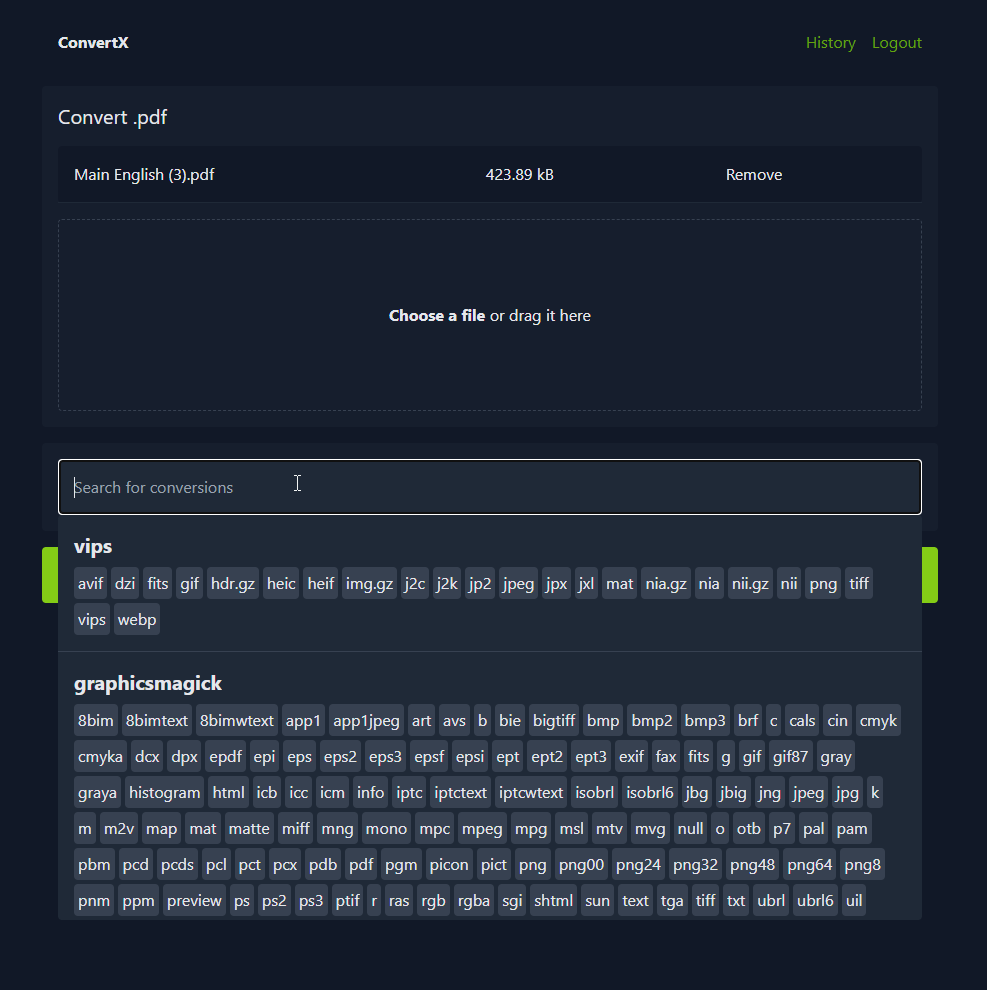
📸 Screenshots
Quick install
The project supports Docker Compose:
git clone https://github.com/C4illin/ConvertX.git
cd ConvertX
docker compose up -d
Check the README in the repo for required env variables.
Minimum system requirements
| Component | Recommended |
|---|---|
| RAM | 1024 MB |
| CPU | 1 vCPU |
| Disk | 15 GB SSD |
| OS | Ubuntu 22.04 LTS / Debian 12 |
| Docker | 24.0+ |
⚡ Deploy fast on VSIS
Use the VSIS VPS Mini 1GB RAM / 1 vCPU / 15GB SSD (~70k/tháng) plan from VSIS.NET — high-speed VN-based VPS, 24/7 support, ideal for running ConvertX smoothly.
🎯 Benefits:
- One-command
docker compose up -ddeploy in 2 minutes - Dedicated IPv4, root access, unmetered domestic bandwidth
- Daily snapshot backup
- Free install assistance from the VSIS team
👉 See matching VPS plans at vsis.net
Resources
- 🔗 GitHub: C4illin/ConvertX
- 📚 Official docs: see README in the repo
- 💬 Community: GitHub Issues + Discussions
Article compiled from GitHub data on 05/05/2026. Star/fork counts may have changed — see live numbers via the GitHub link.
